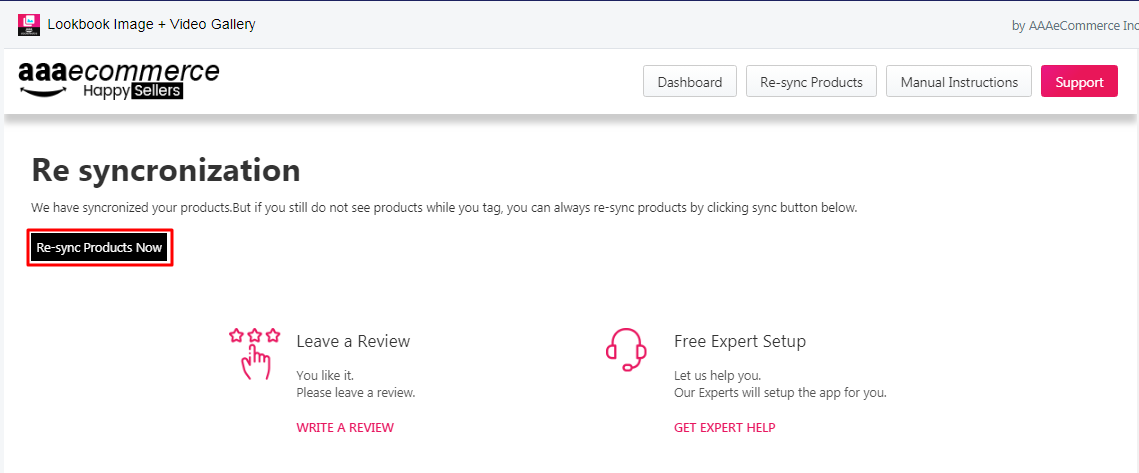
Question: How to sync product in Image Gallery app?
Solution:
Instruction –
1. Login to your store and tap on the Lookbook image+ video Gallery app.
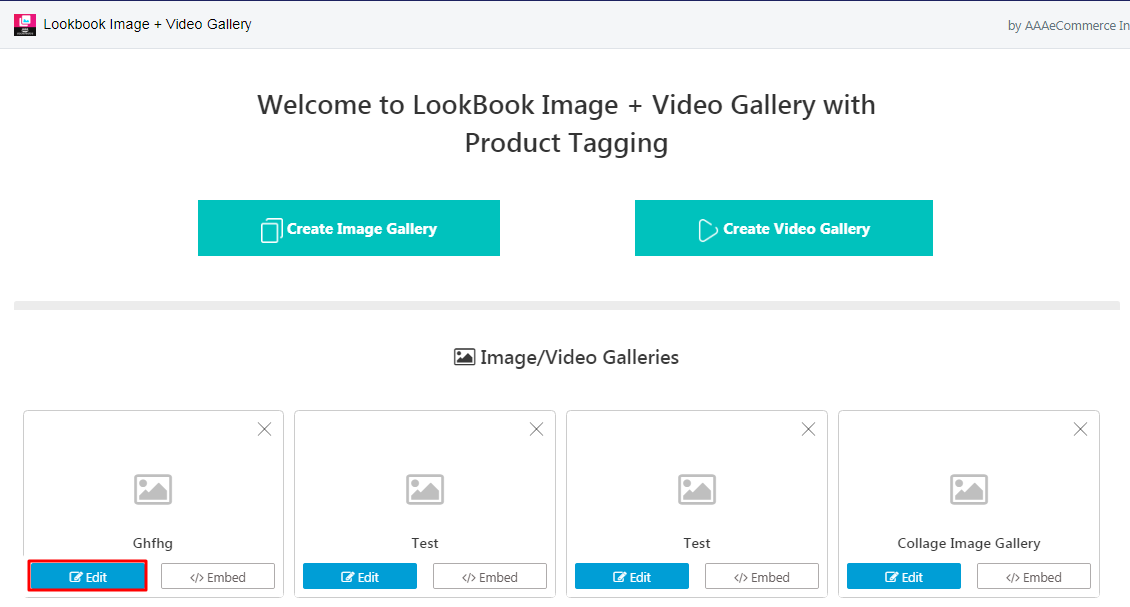
2. Go to the gallery which you want to select for tagging a product from your store.
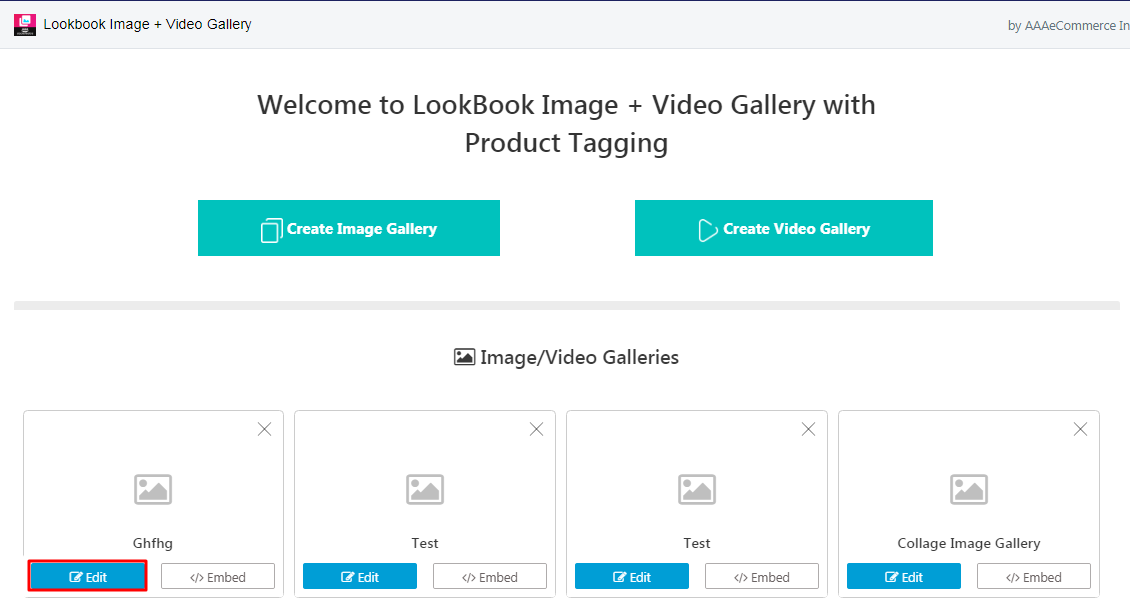
3. Click Re-sync products button from the menu option.
4. Click to the Re-Sync products now, then you would able to find and tag products from your store.